Interactive Calendar 2027 for reMarkable – your hyperlinked daily planner with over 20,000 links
 Moneyliner
Interactive Calendar 2027 for reMarkable – your hyperlinked daily planner with over 20,000 links
MoneylinerYou love writing on your reMarkable, but your calendar is one endless PDF?
• Getting to the right day means scrolling for minutes.
• Many templates don't fit the screen and leave empty margins.
• The toolbar covers the navigation.
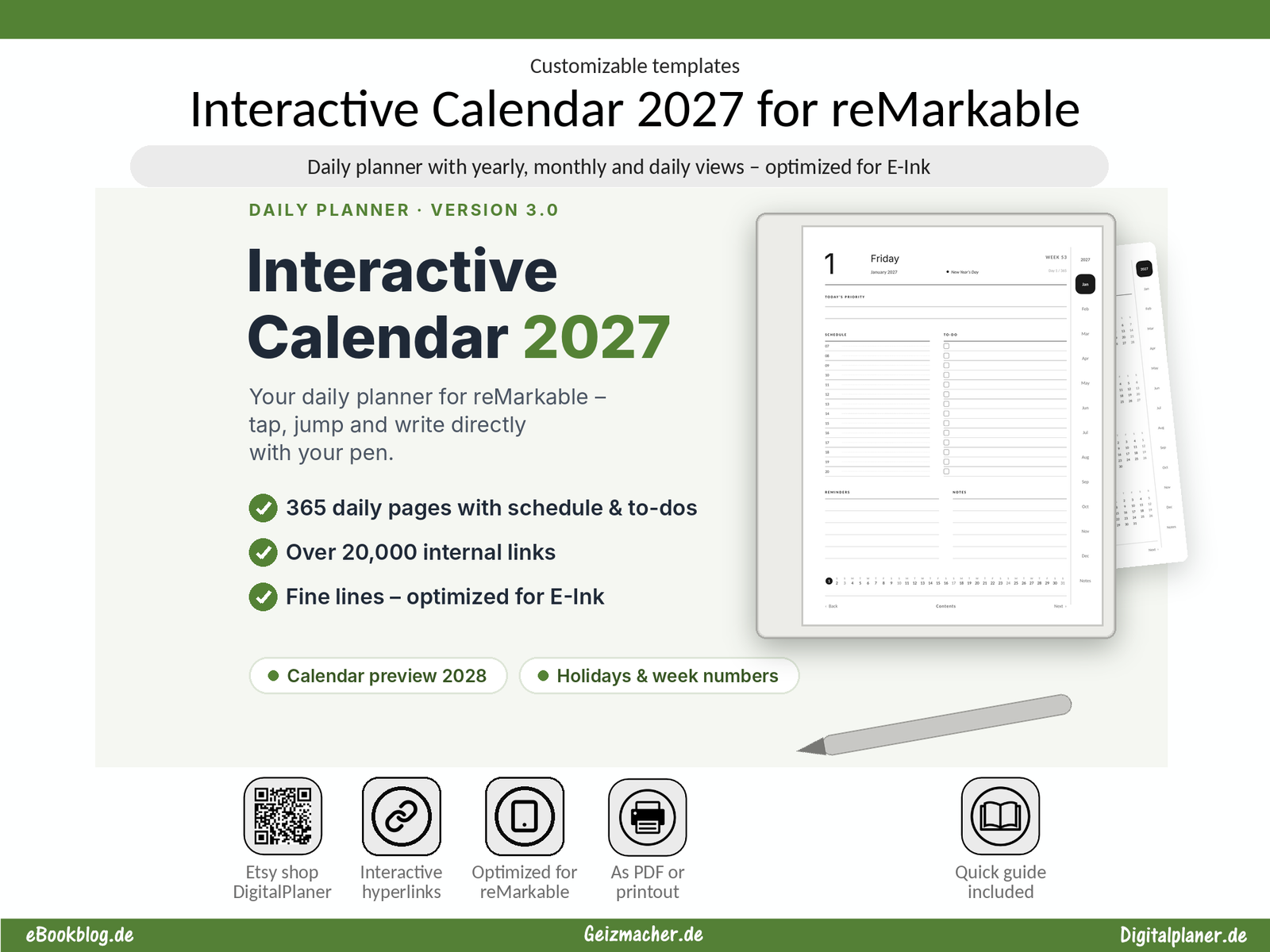
The Interactive Calendar 2027 is built for reMarkable: full-screen 3:4 format, month tabs on the right edge, and every page just one tap away.
🗂 Everything in one place
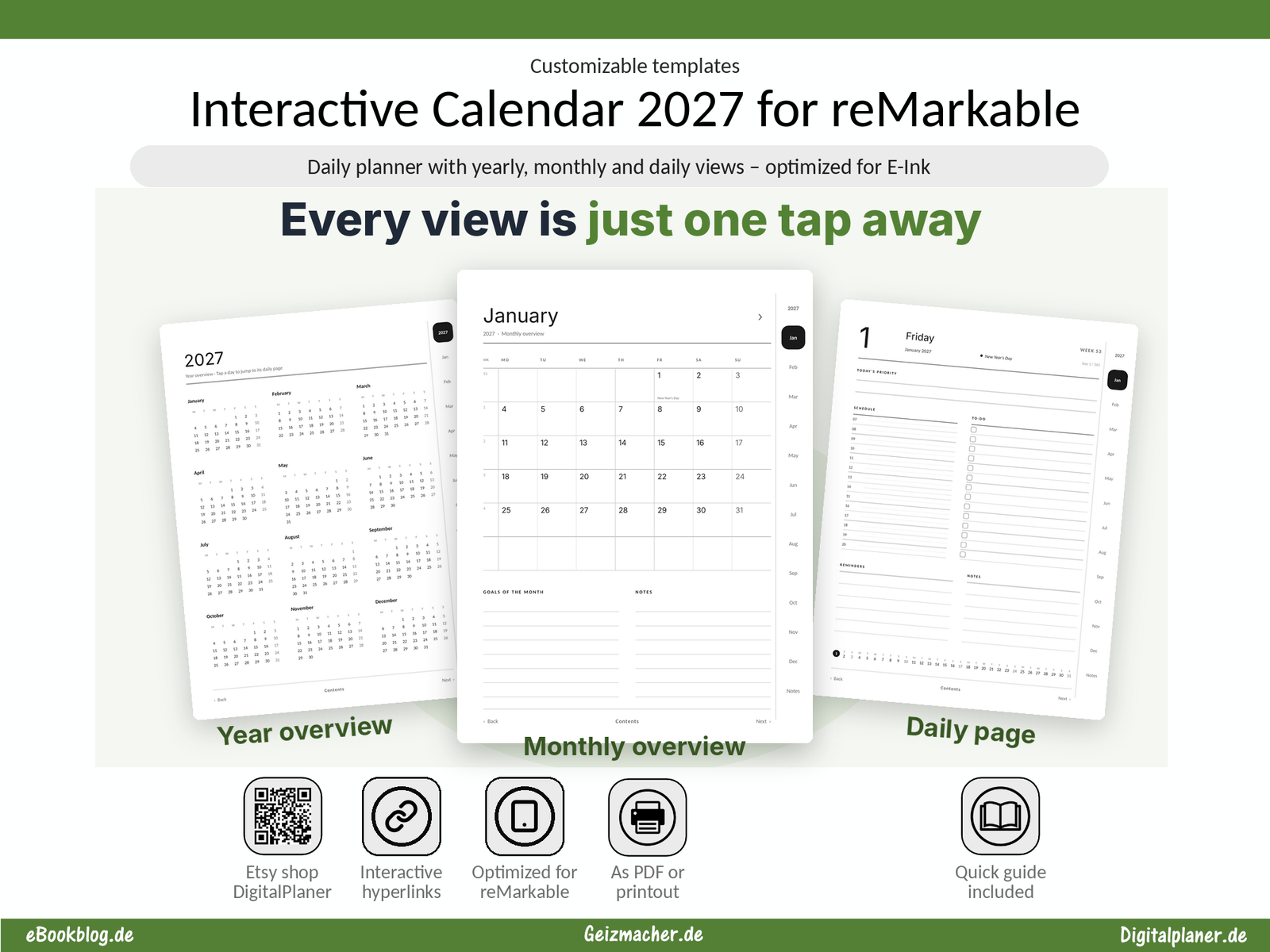
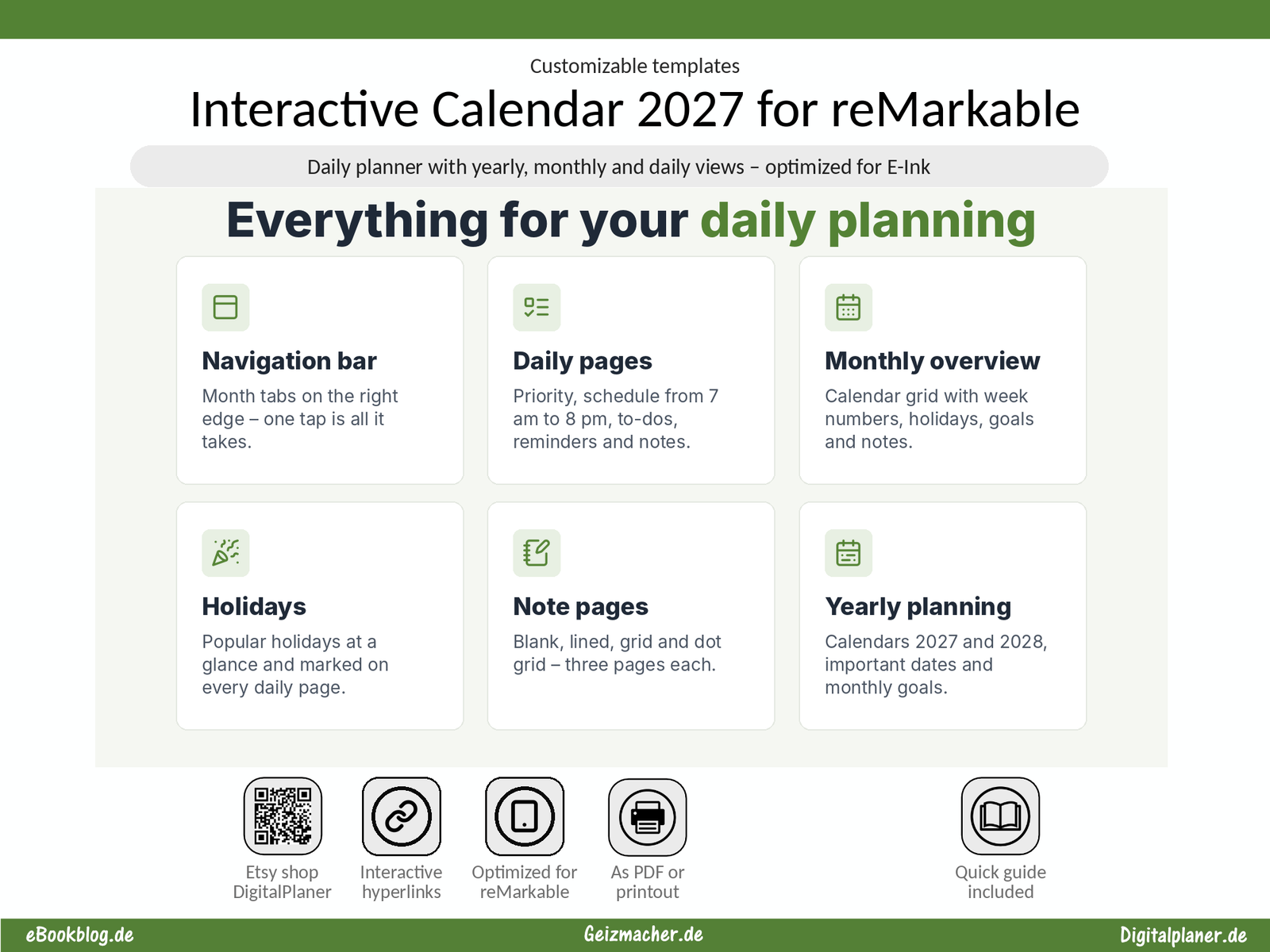
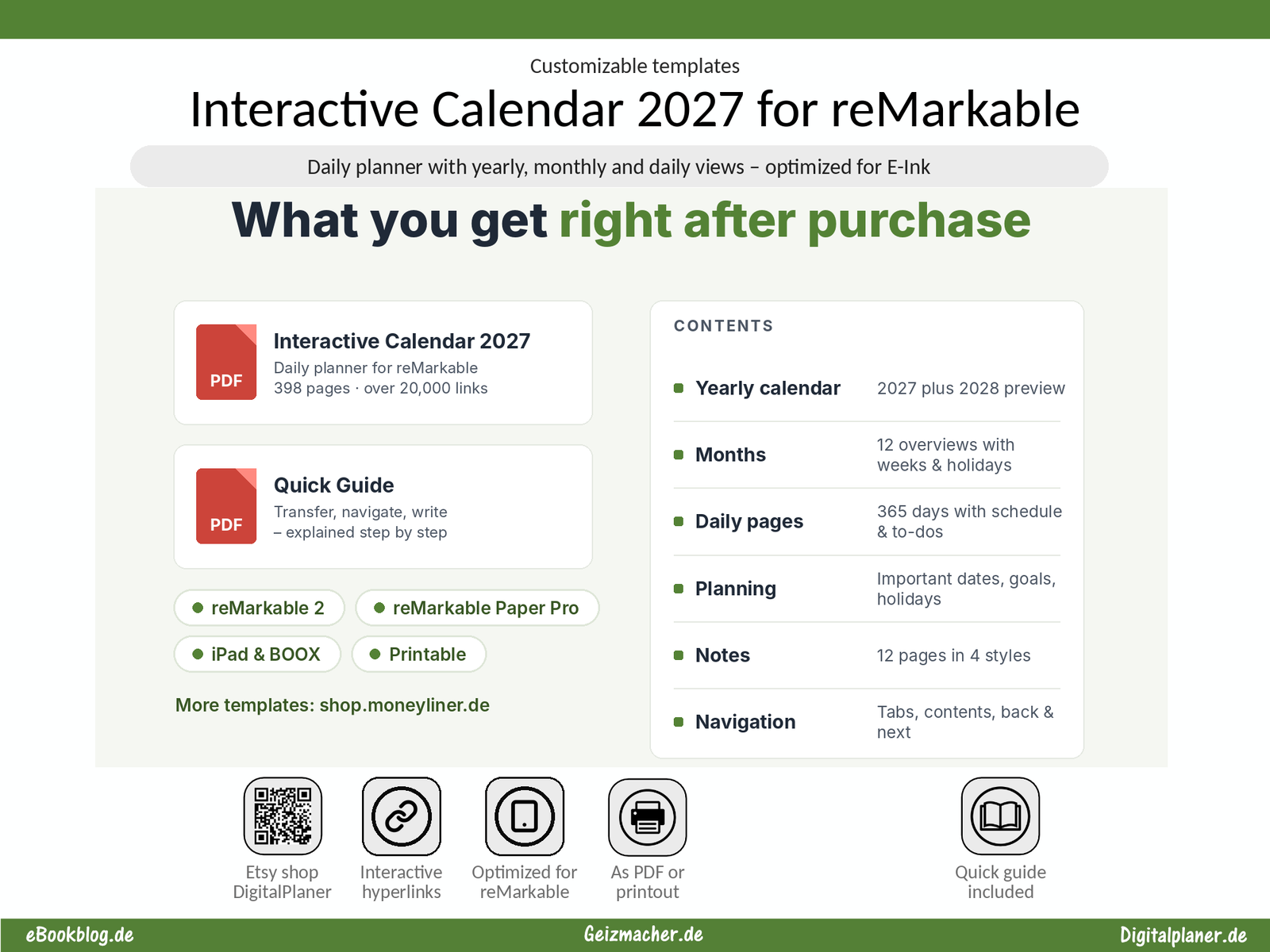
• ✅ Yearly calendar 2027 with clickable days, plus a 2028 preview
• ✅ 12 monthly overviews with week numbers, holidays, goals and notes
• ✅ 365 daily pages with priority, schedule from 7 am to 8 pm, to-dos, reminders and notes
• ✅ Important dates, holidays and monthly goals
• ✅ 12 note pages: blank, lined, grid and dot grid
📊 Navigate with a tap
Month tabs on the right edge, a month bar on every daily page, plus contents, back and next. Over 20,000 internal links take you straight where you want to go.
📈 Modern design for E-ink
Fine lines and plenty of white space leave room for your handwriting – calm and easy to read on reMarkable 2 and Paper Pro.
📁 What you get
• ✅ Interactive Calendar 2027 as a PDF (398 pages)
• ✅ Quick guide as a PDF
🎯 Who is it for?
For everyone who plans work, study, school and personal life on their reMarkable – digital and in their own handwriting.
🔎 Also works with iPad (with GoodNotes and Apple Pencil), BOOX and for printing.
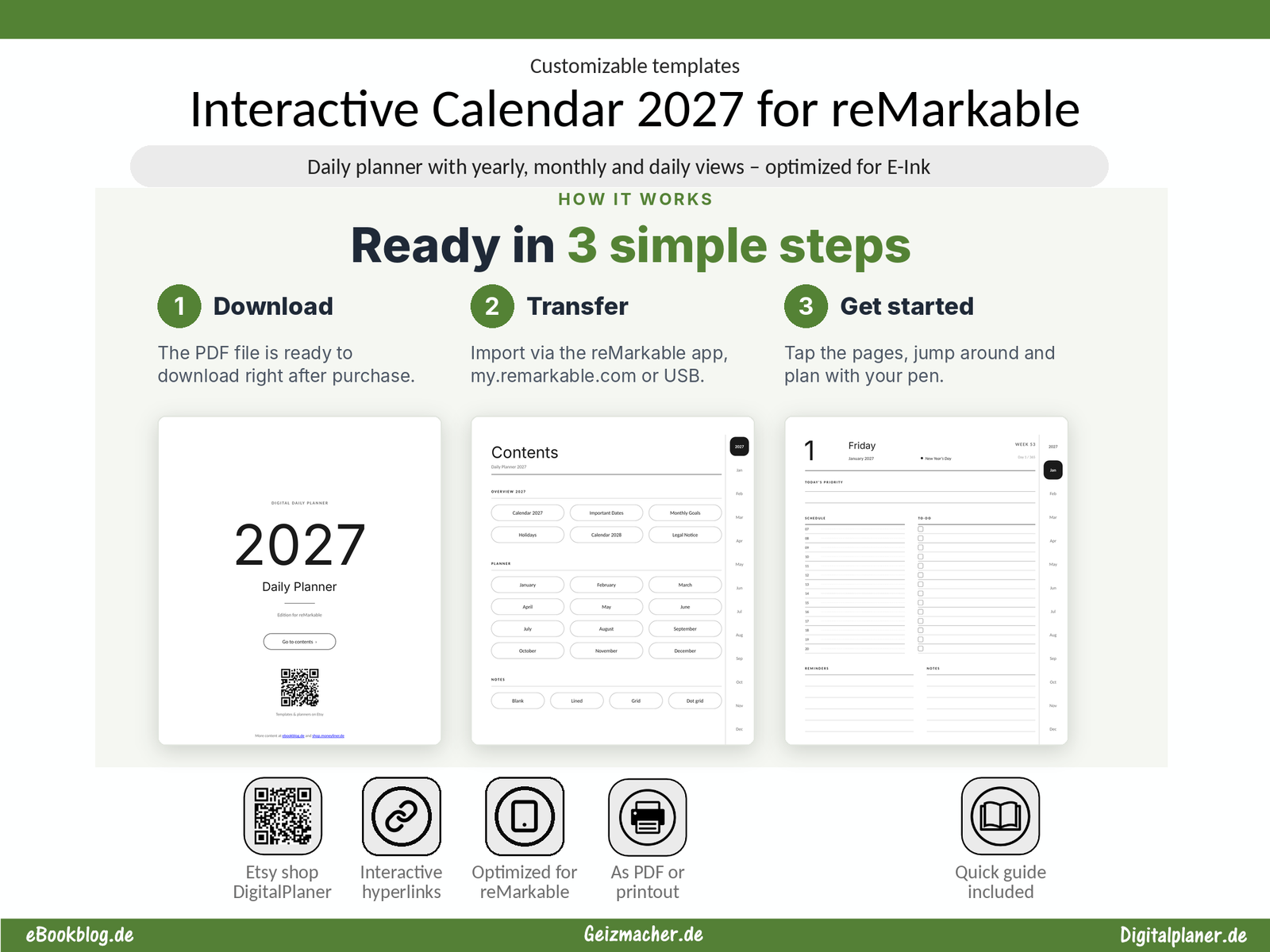
🛒 Instant download: you receive the files right after purchase.
👉 Get your Interactive Calendar 2027 for reMarkable now.